
Customizing Your Donation Page
Brand colors, custom domain, suggested amounts, anonymous giving toggle — everything that makes the page feel like yours.
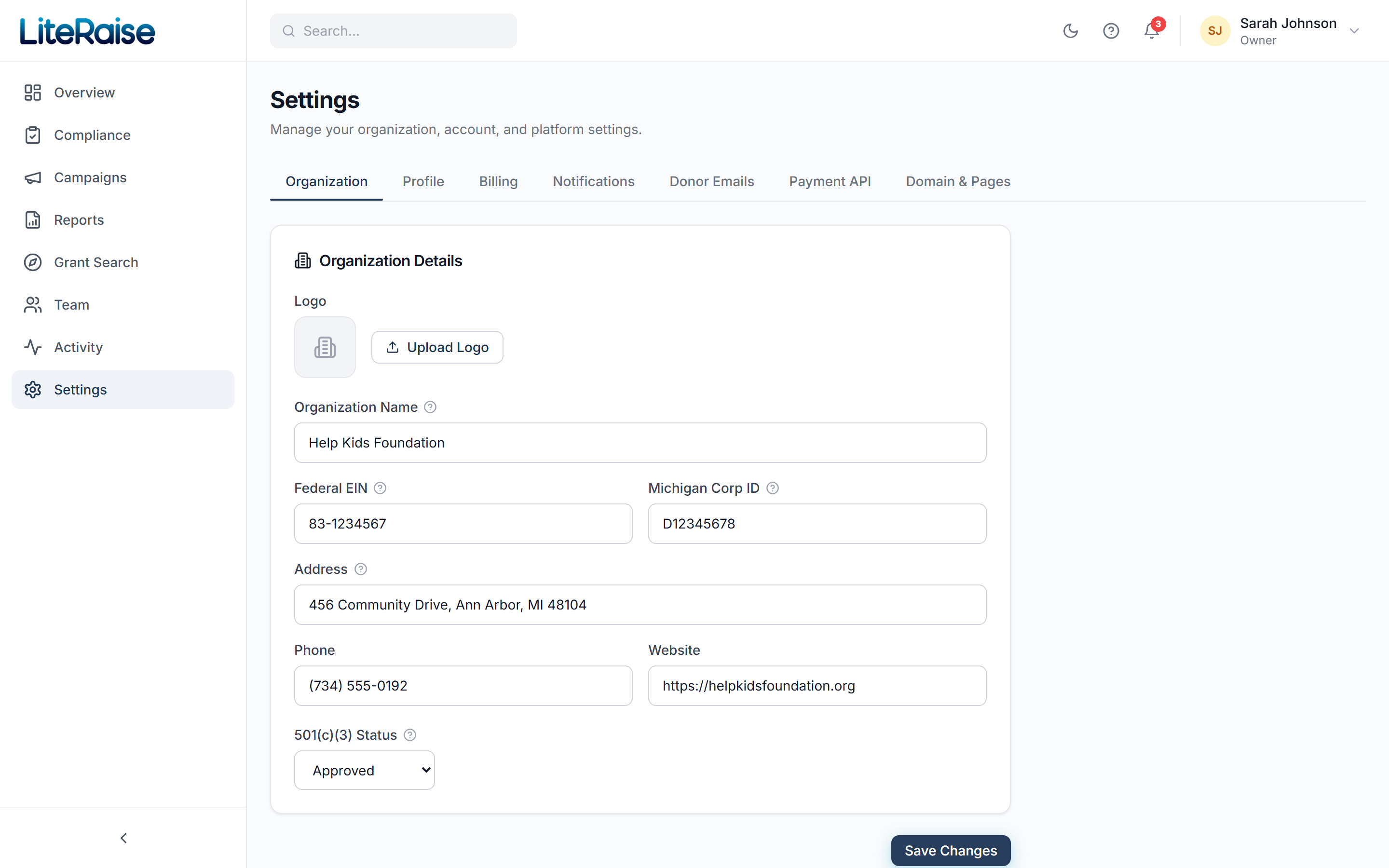
Brand colors
Settings → Branding lets you set:
- Primary color — used for buttons and progress bars
- Accent color — used for highlights and links
- Logo upload (PNG or SVG, max 2MB)
- Favicon for the browser tab
Changes apply instantly to every campaign page — no need to re-publish.
Custom donation amounts
By default we show suggested amounts of $25, $50, $100, $250, and a custom field. Per-campaign you can override this from the campaign editor → Settings tab. Best practice is to set the lowest tier slightly above your average donation — it nudges new donors up by ~15%.
Anonymous donations
When enabled, donors see an 'Hide my name from the public donor list' checkbox. The donation still appears on your private donor list with the real name attached — anonymity only affects the public view of the campaign.
Custom domain (Scale & Pro)
Want donations on donate.yourorg.org instead of yourorg.literaise.com? In Settings → Domains add your custom domain, then create the CNAME record we show. We auto-issue the SSL cert in about 5 minutes after DNS propagates.