
IRS Form 990 — What You Need to Know
Plain-language breakdown of which 990 you file, when it's due, and how to use Lite Raise's built-in checklist.
Which 990 do I file?
- 990-N (e-Postcard) — gross receipts ≤ $50K. Takes 10 minutes online.
- 990-EZ — receipts $50K–$200K and assets < $500K.
- 990 (long form) — receipts ≥ $200K or assets ≥ $500K.
- 990-PF — private foundations only, all sizes.
When is it due?
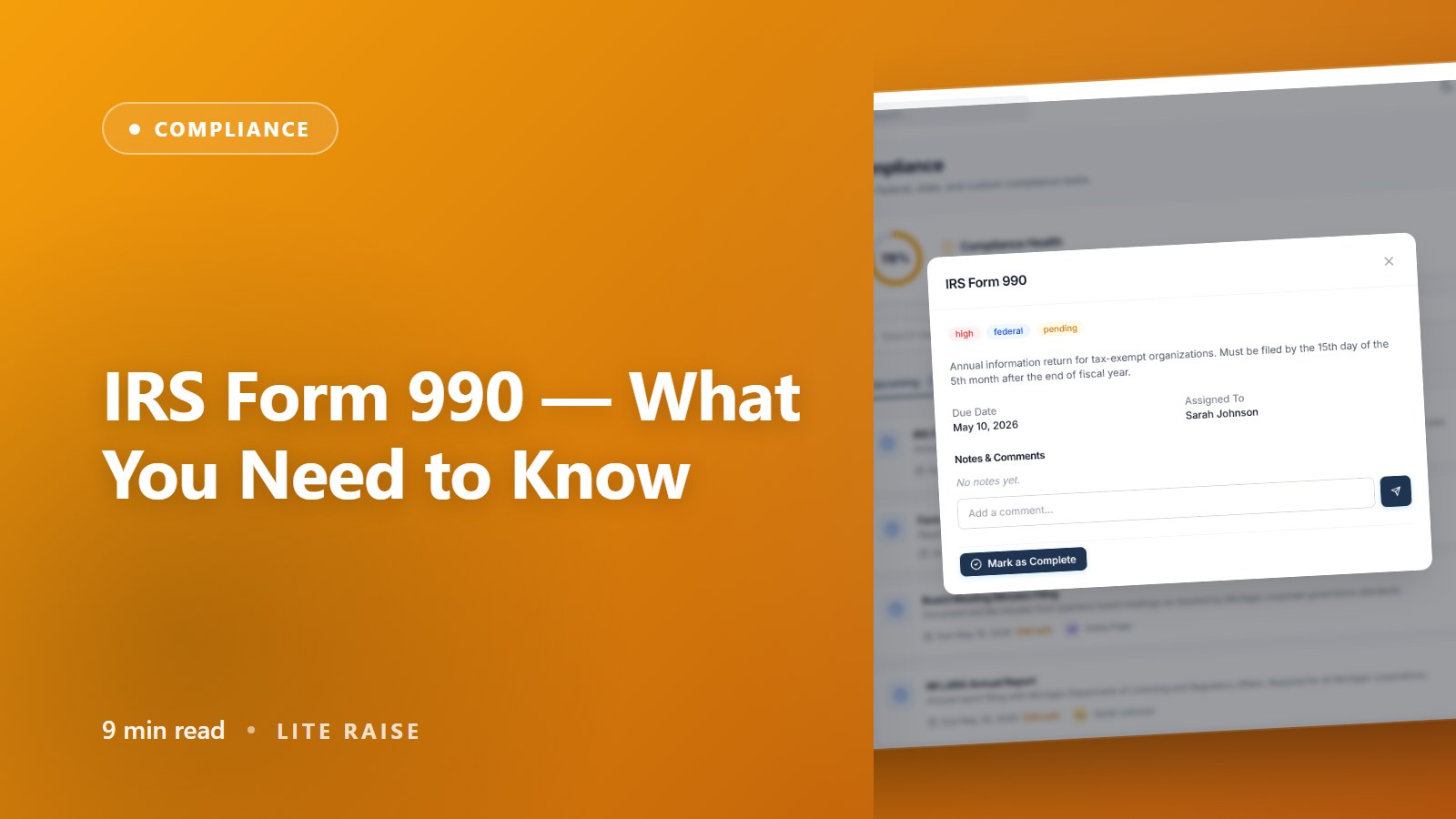
Five months and fifteen days after the close of your fiscal year. For a calendar-year nonprofit (Dec 31 close) that's May 15. You can file a 6-month extension on Form 8868 — Lite Raise auto-creates an extension task in mid-March if you haven't started yet.
Step-by-step using Lite Raise
- 1Open the task
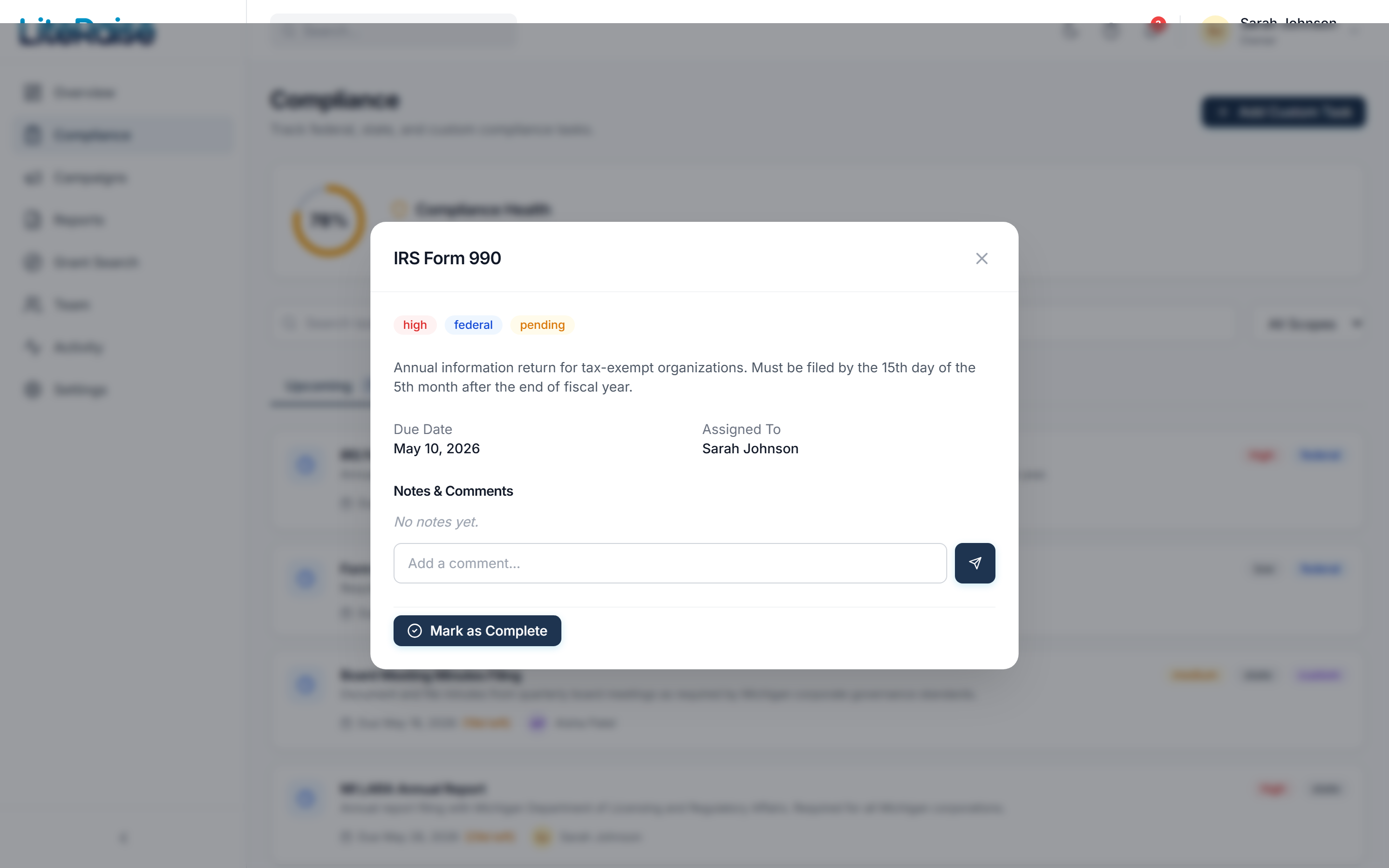
Compliance dashboard → IRS Form 990 (annual). The task shows the exact due date, the version of the form that applies to you, and the line-by-line numbers we already have for you.
- 2Review the pre-fill
We pull total revenue, total expenses, top donors, and program services from your campaigns and donations. Verify each number against your accounting system.
- 3Export the worksheet
Click Export to PDF. The worksheet is formatted to match the 990 line numbers so your CPA or you can transcribe directly into the IRS-provided form.
- 4File with the IRS
Either e-file at irs.gov directly, or hand the worksheet to your CPA. The IRS does not accept Form 990 paper-mailed (with rare exceptions) — e-filing is required.
- 5Mark complete
Once filed, mark the task complete and upload your filing confirmation. We'll generate next year's task automatically.
Late filing penalties
- Up to $20 per day, capped at $11,500 or 5% of receipts (whichever is less)
- Three consecutive missed years = automatic loss of tax-exempt status
- Reinstatement after revocation costs $275–$600 + a year of paperwork