
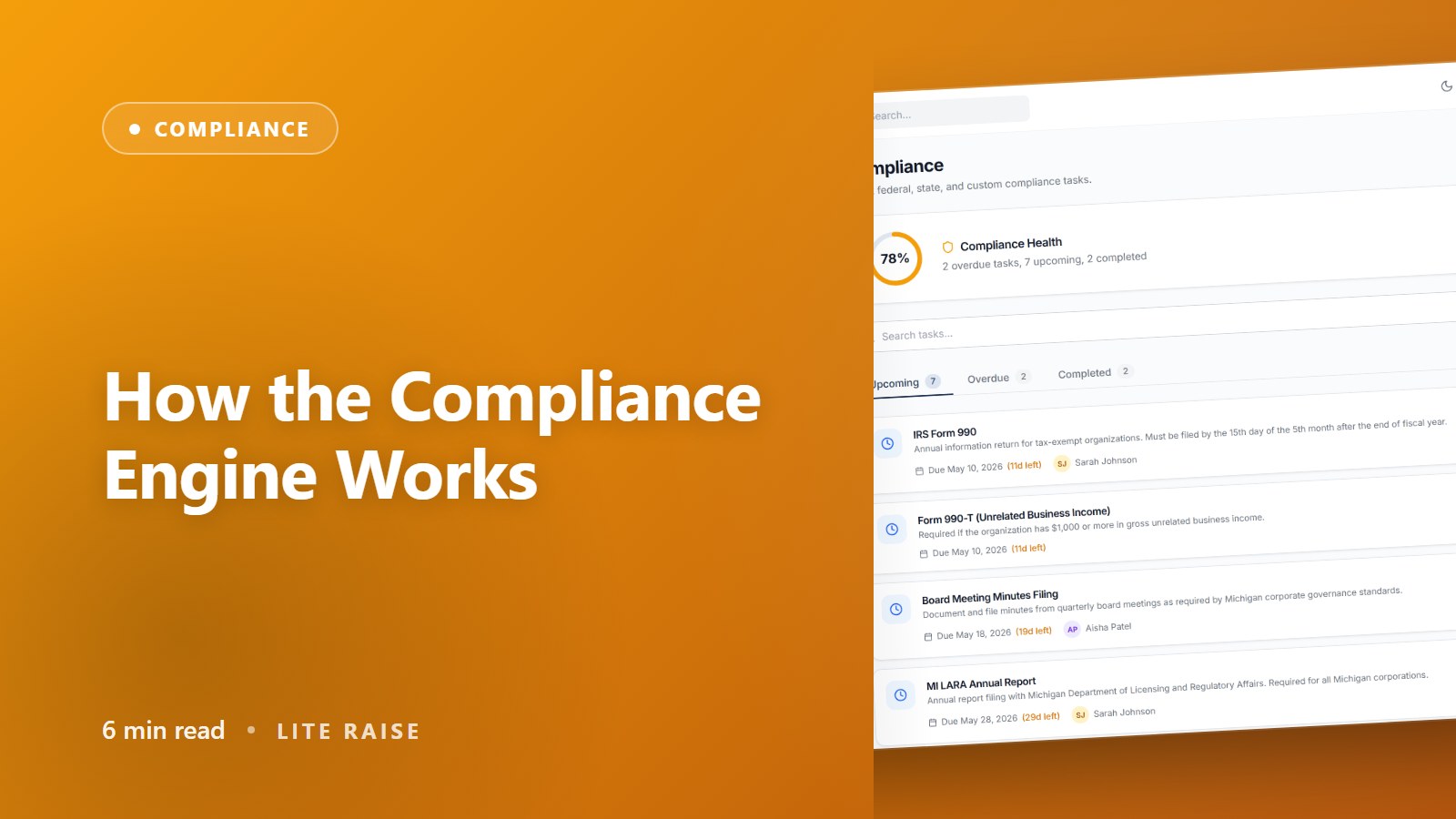
How the Compliance Engine Works
Plain-language explanation of where your tasks come from, how due dates are computed, and what happens when laws change.
What the engine does
The compliance engine watches every state and federal filing that applies to your nonprofit and turns each one into a tracked task with a due date, owner, and reminder schedule. Instead of you having to know that 'Form 990 is due 5 months and 15 days after fiscal year-end,' the engine knows — and shows you the actual date.
Where tasks come from
During onboarding we mark every state where you operate or solicit donations. Combined with your IRS subsection code (501(c)(3), 501(c)(4), etc.), the engine matches you against a curated database of ~120 compliance templates and pre-loads the relevant ones into your Compliance dashboard.
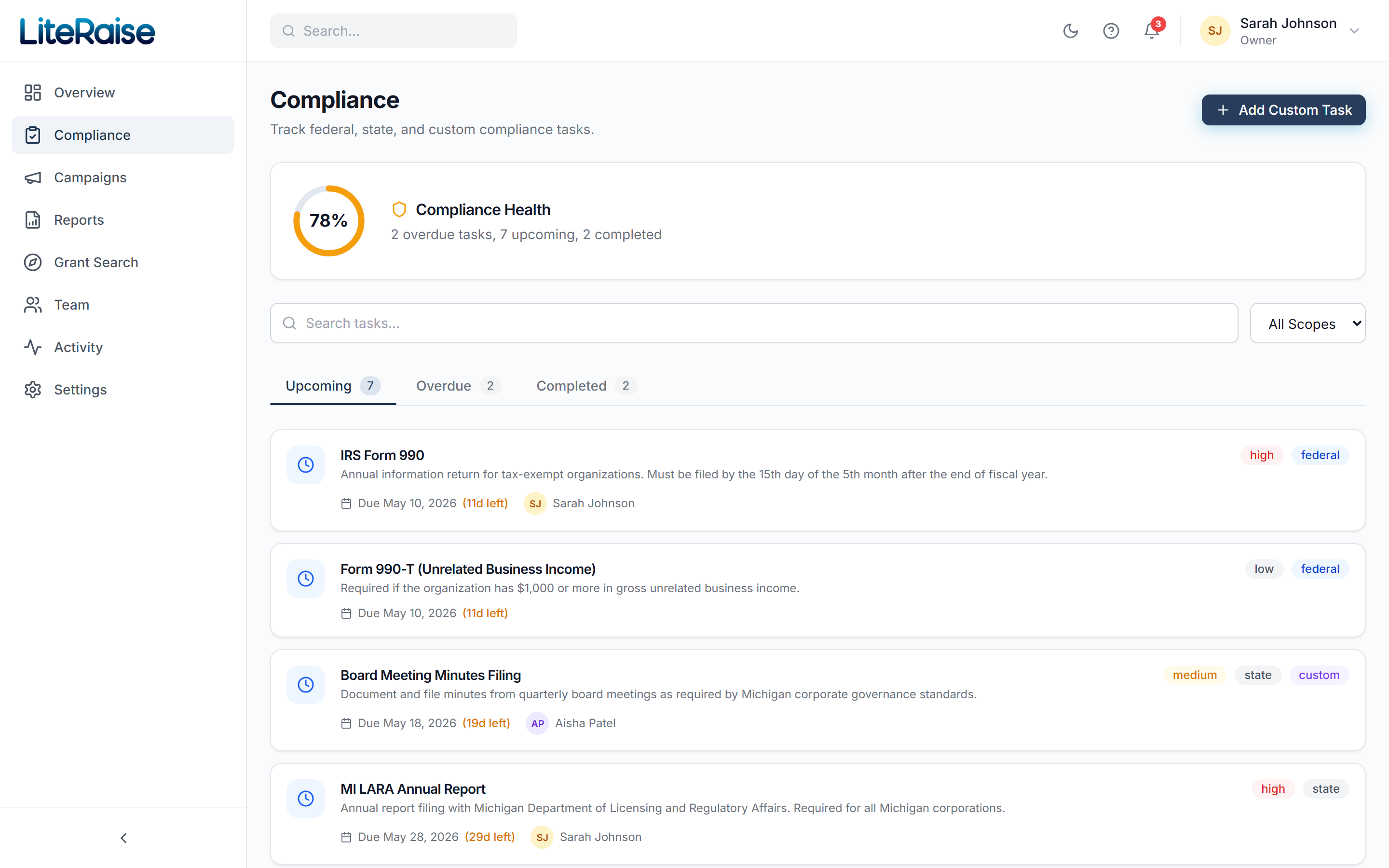
- Federal tasks — Form 990 series, 1099-NEC if you pay contractors, etc.
- State tasks — charitable solicitation registration, annual reports, sales tax exemption renewals
- Standing tasks — board meeting minutes, conflict-of-interest reviews, financial reviews/audits
How due dates are computed
Each template has a due-date formula expressed against your fiscal year. Examples:
- fy_end + 5 months 15 days → IRS Form 990
- fy_end + 2 months → Michigan annual report
- calendar(Jan 31) → 1099-NEC issuance
- quarterly(Apr 15, Jul 15, Oct 15, Jan 15) → estimated taxes
Set your fiscal year-end in Settings → Organization. Most calendar-year nonprofits use Dec 31. The engine recomputes every due date the moment you save.
What happens when laws change
Our regulatory intelligence team monitors the Federal Register, Regulations.gov, and state secretary of state pages 24/7. When something changes that might affect a template — a deadline shift, a new form, a fee bump — a Compliance Analyst at Lite Raise reviews the change and updates the affected templates. You see a 'Compliance update available' banner in your dashboard with a one-click apply.