
Verifying Your Nonprofit (EIN)
Why we ask for your EIN, how the IRS Pub-78 check works, and what to do if your nonprofit isn't found.
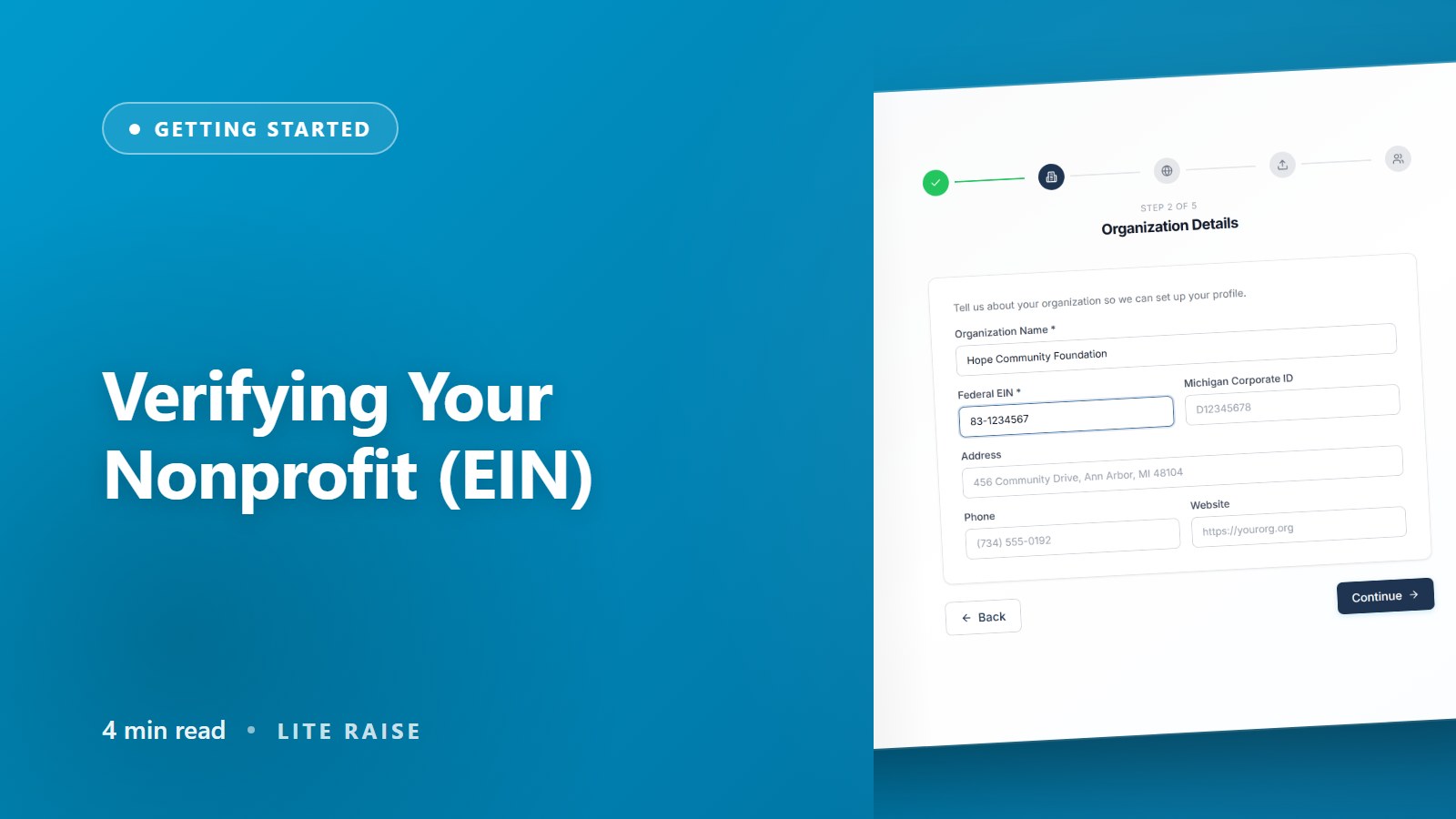
What is EIN verification?
During onboarding we ask for your nine-digit Employer Identification Number (EIN, sometimes called the Federal Tax ID). We check it against the IRS Tax Exempt Organization Search (the public Pub-78 list) to confirm your tax-exempt status. This unlocks two things:
- Donation receipts with the correct legal name and proof of 501(c)(3) status
- State compliance tasks — we use your IRS subsection code to know which forms apply
Step-by-step
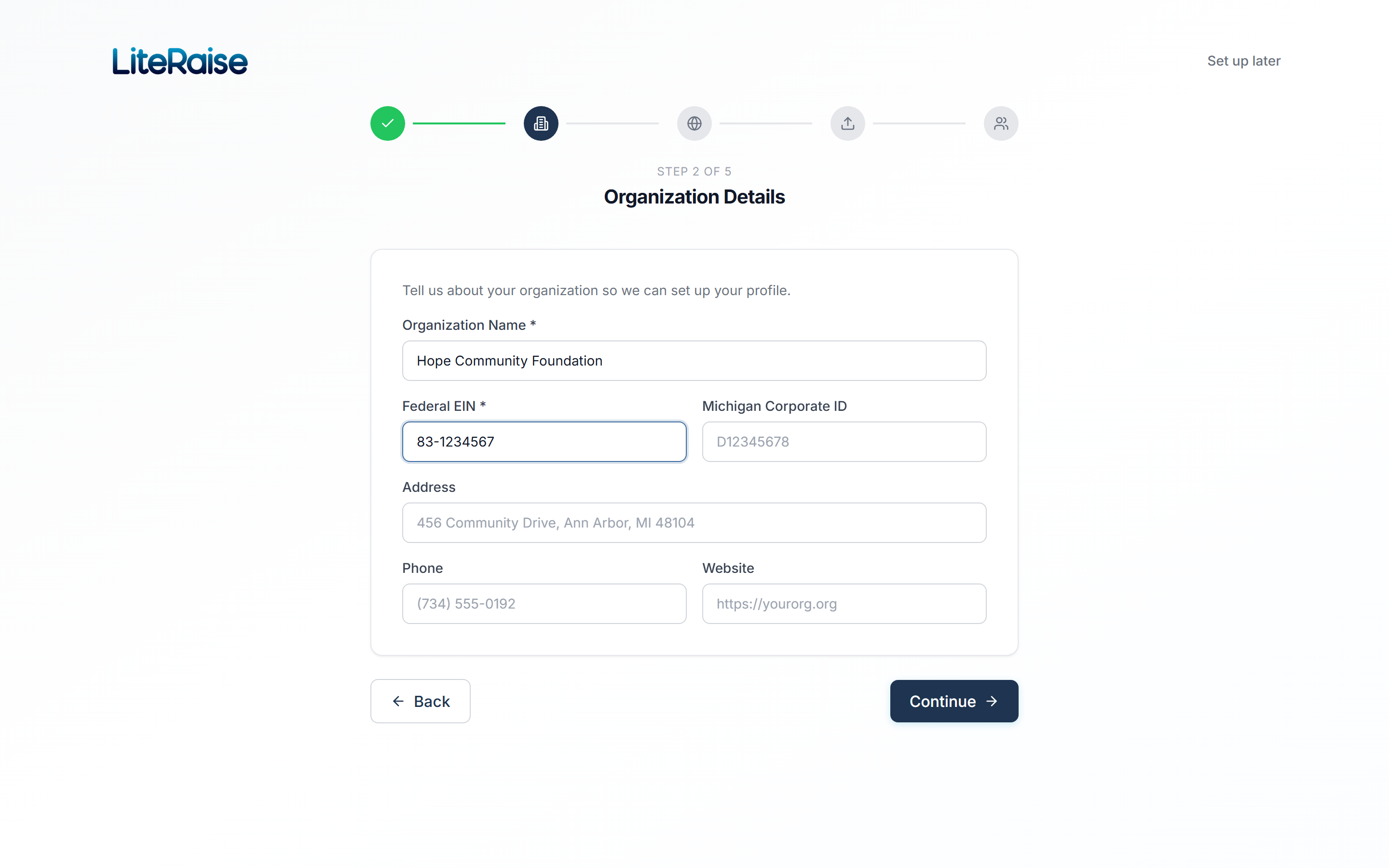
- 1Open the onboarding wizard
Either during your first login or any time later from Settings → Organization.
- 2Enter your EIN
Format: XX-XXXXXXX. The dash is optional — the form auto-formats whatever you type.
- 3We check Pub-78 in real time
Within 2 seconds you'll see your registered legal name, address, and IRS subsection code (501(c)(3), 501(c)(4), etc.). If it's correct, click Confirm.
- 4Mismatch?
If the legal name shown is wrong or the EIN isn't found, see the troubleshooting section below before proceeding.
Troubleshooting
'EIN not found in Pub-78'
This usually means one of three things:
- Your 501(c)(3) status was approved very recently (<60 days) and Pub-78 hasn't refreshed.
- Your status was revoked — check the IRS Auto-Revocation List.
- You're a church or association that's automatically tax-exempt without filing a 1023.
In all three cases, contact us at support@literaise.com with a copy of your IRS determination letter. We can manually mark your account as verified within 1 business day.
'Legal name doesn't match'
Pub-78 uses your IRS-registered legal name, which may differ from your DBA. Edit the public-facing display name in Settings → Organization → Display Name. The legal name on receipts will still show whatever's on your IRS file.