
Generating Reports & Exporting Data
Built-in reports for board meetings, accounting, and grant applications — plus CSV exports for everything else.
Standard reports
- Monthly board snapshot — revenue, top donors, campaign performance
- Year-over-year comparison — same period last year vs. this year
- Campaign post-mortem — channel breakdown, conversion funnel, top referrers
- Donor retention cohort — what % of last year's donors gave again
- Grant readiness — every metric a typical foundation asks about
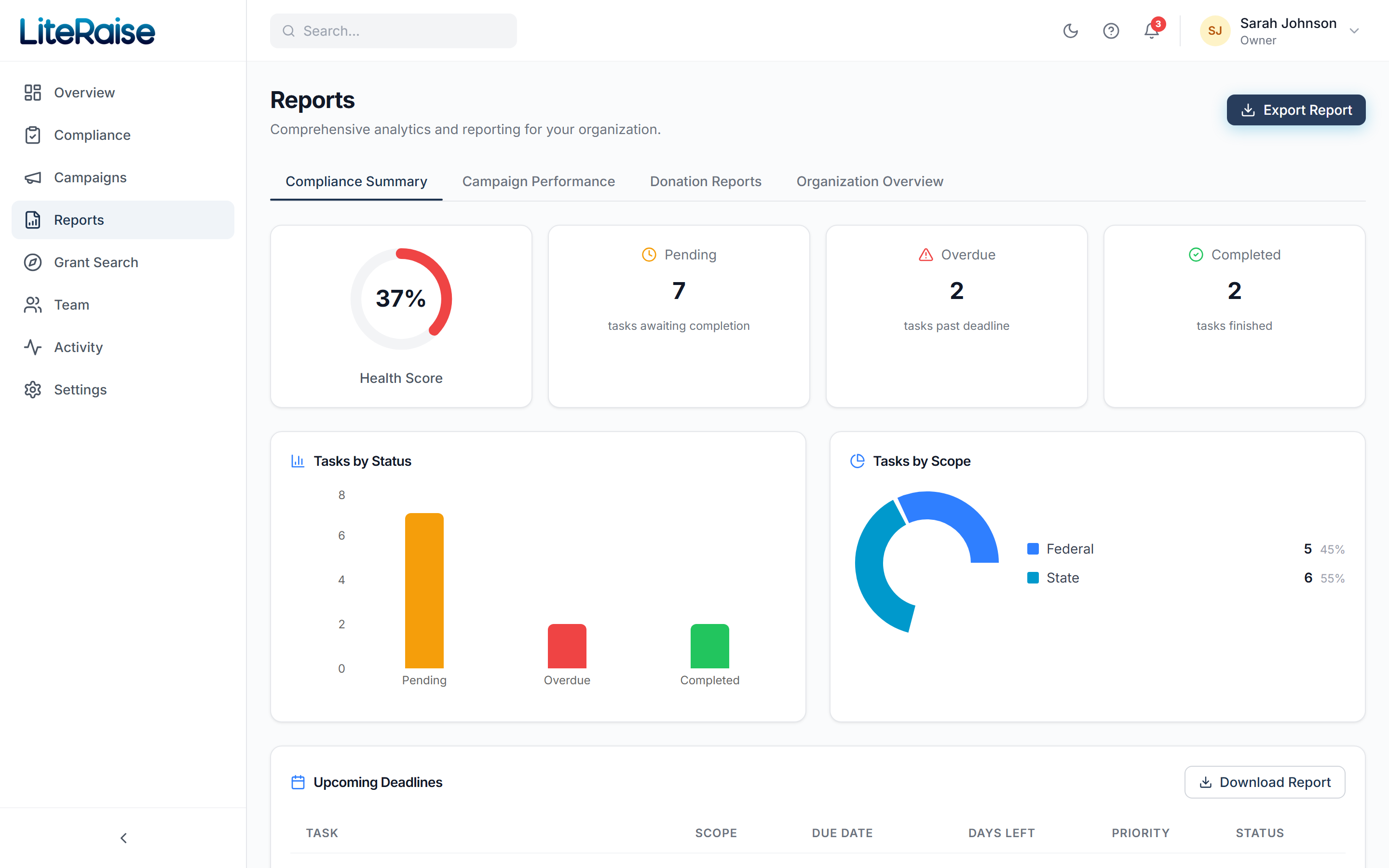
Click Generate to create a PDF. Reports are saved in Reports → History so you don't have to regenerate later — useful for audit trails.
CSV exports
From any list view (Donors, Donations, Campaigns) click the Export button. Choose your columns and date range. The CSV is generated in the background and download-linked from the in-app notifications panel within ~30 seconds for typical sizes.
Custom reports (Pro)
Pro accounts unlock the Report Builder — drag-and-drop columns, group by any field, save your view as a template you can re-run monthly with one click.